Interbanking is Argentina's main B2B financial platform — a hub where companies consolidate all their bank accounts and operate payments, collections, investments, and more in one place. Users range from SME owners handling everything themselves to enterprise treasury teams where preparing, authorizing, and sending a payment are three separate roles, handled by three separate people.
I worked in the payments vertical. Within it, utility payments — paying recurring services like electricity, telecom, or municipal taxes — was one of the highest-revenue operations on the platform. It was also, for companies paying dozens of services per month, one of the most painful.
The wrong brief
The request came from commercial. The solution came pre-packaged.
A commercial lead flagged an insight: a large company with 300 monthly utility payments wasn't using Interbanking to pay them. They were using a competing platform — and the reason was simple. Loading 300 services one by one wasn't something they were willing to do. They wanted a file upload.
That was the brief: build a bulk import via file.
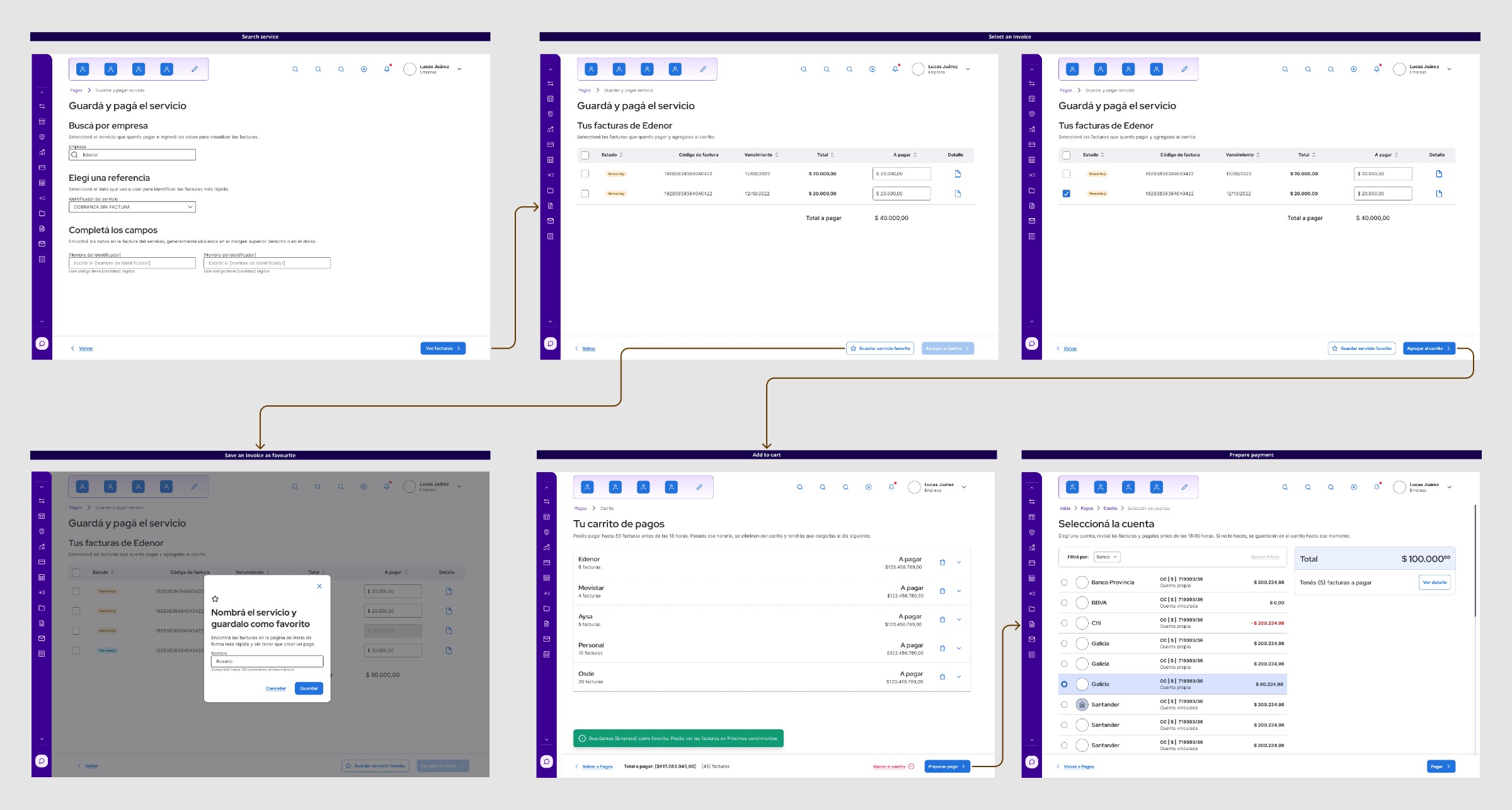
Before designing anything, I started pulling on the technical thread. Interbanking's utility payment search runs through an external API with strict lookup constraints — you can't search by free text or barcode, only by specific identifier fields defined per service type. Any file parsing solution would need an algorithm robust enough to map a client's file to that structure, handle errors correctly, and not create more problems than it solved. When I raised this with the tech leads, the estimate confirmed it: high development cost, real risk of poor data quality.
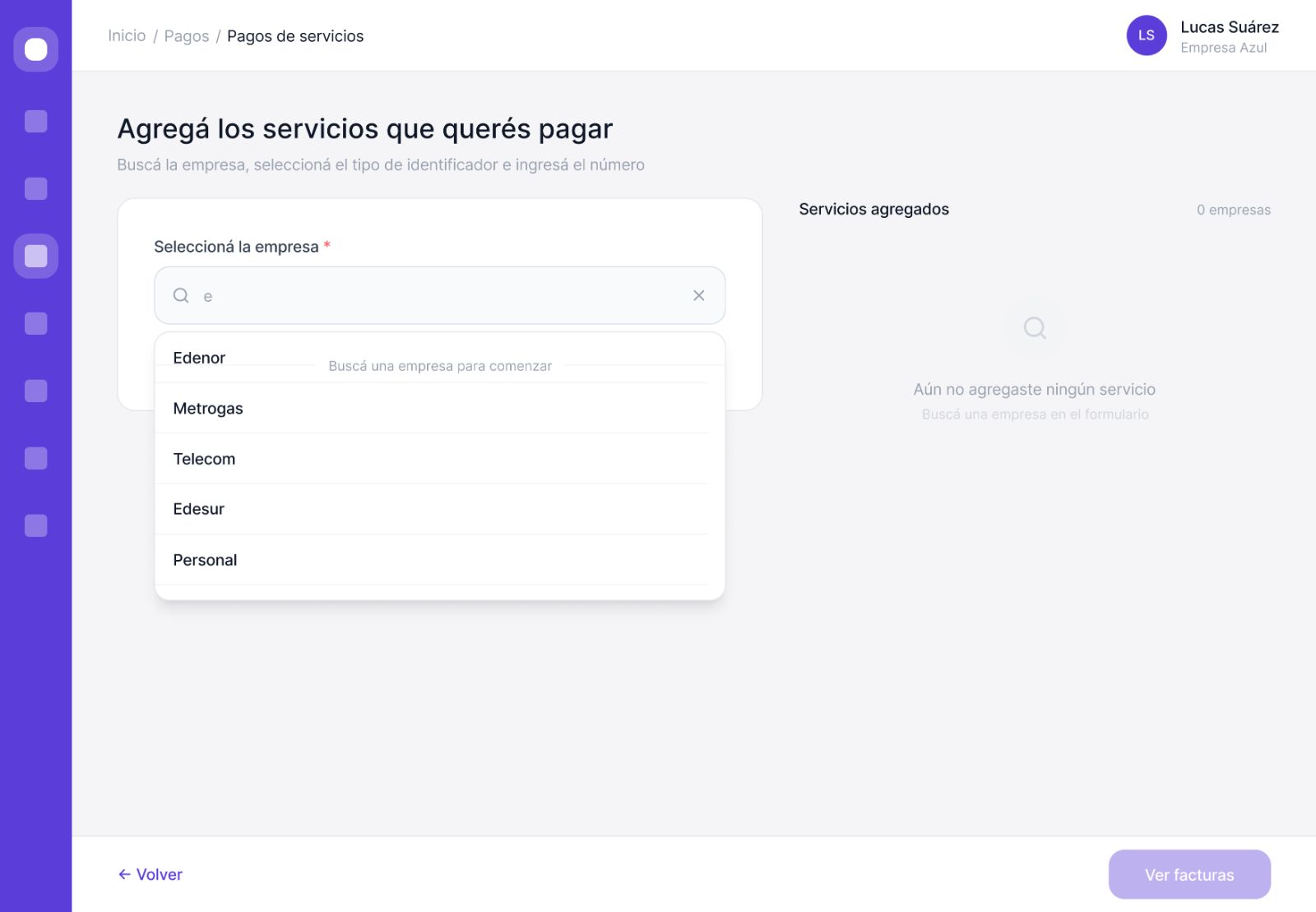
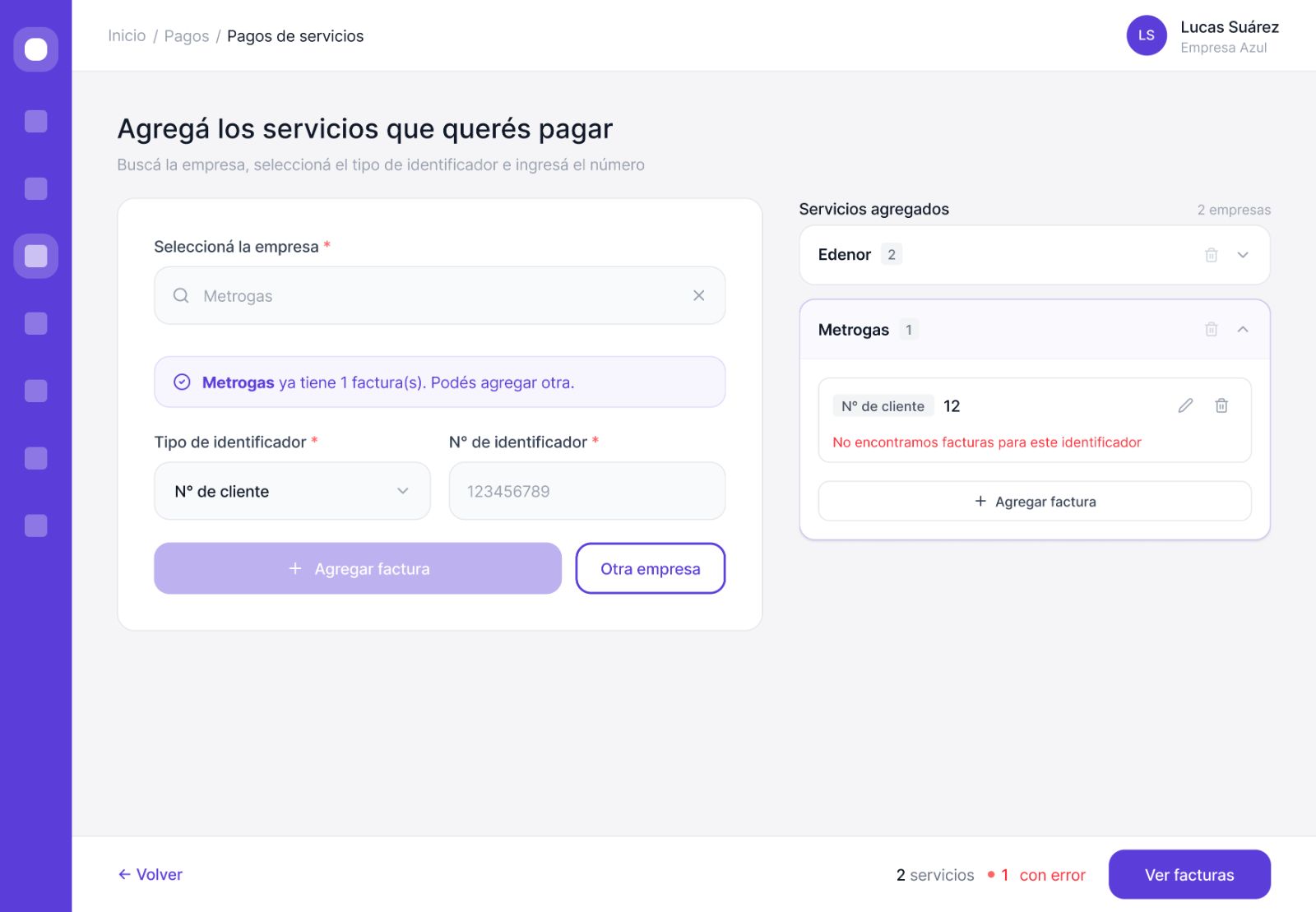
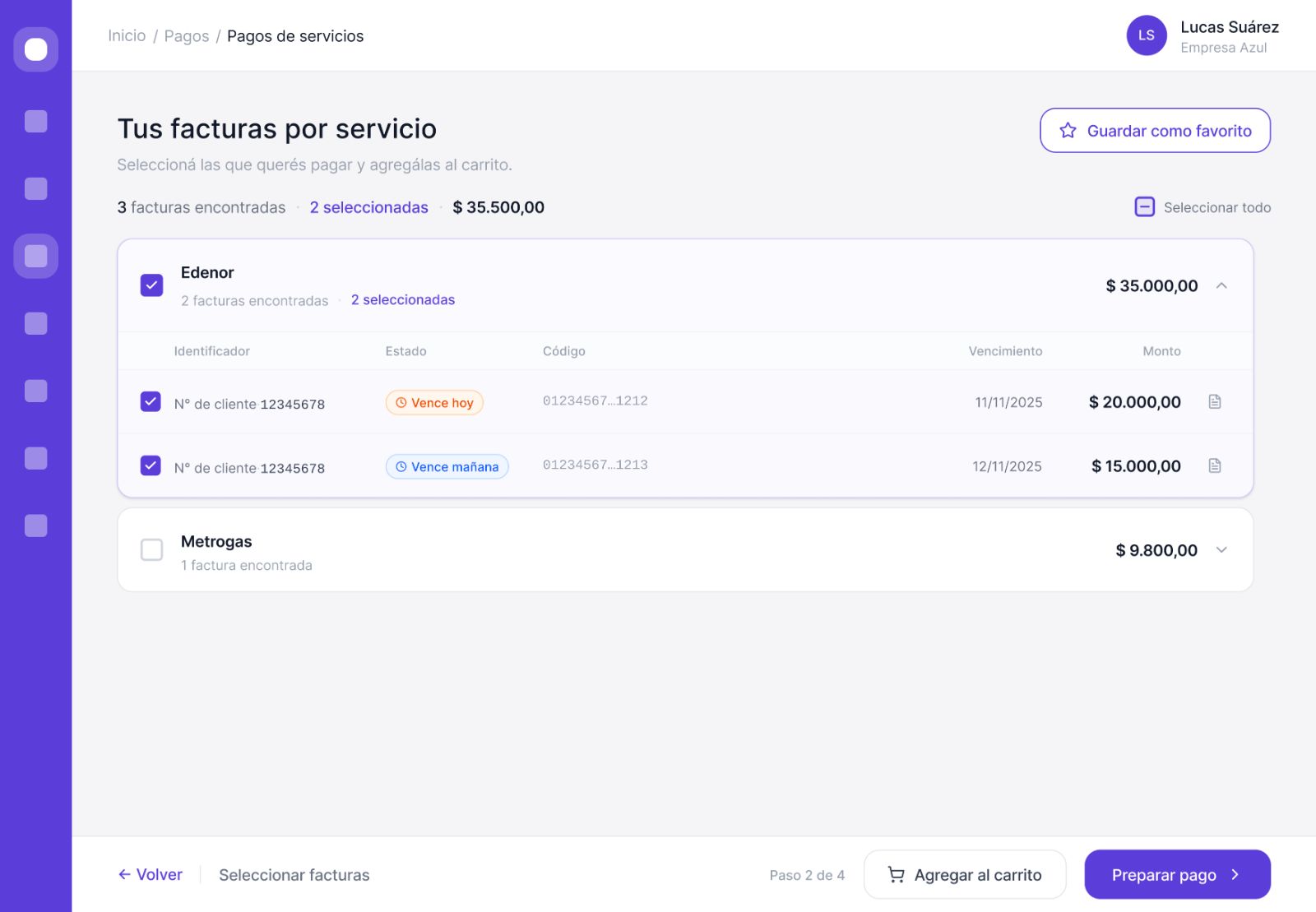
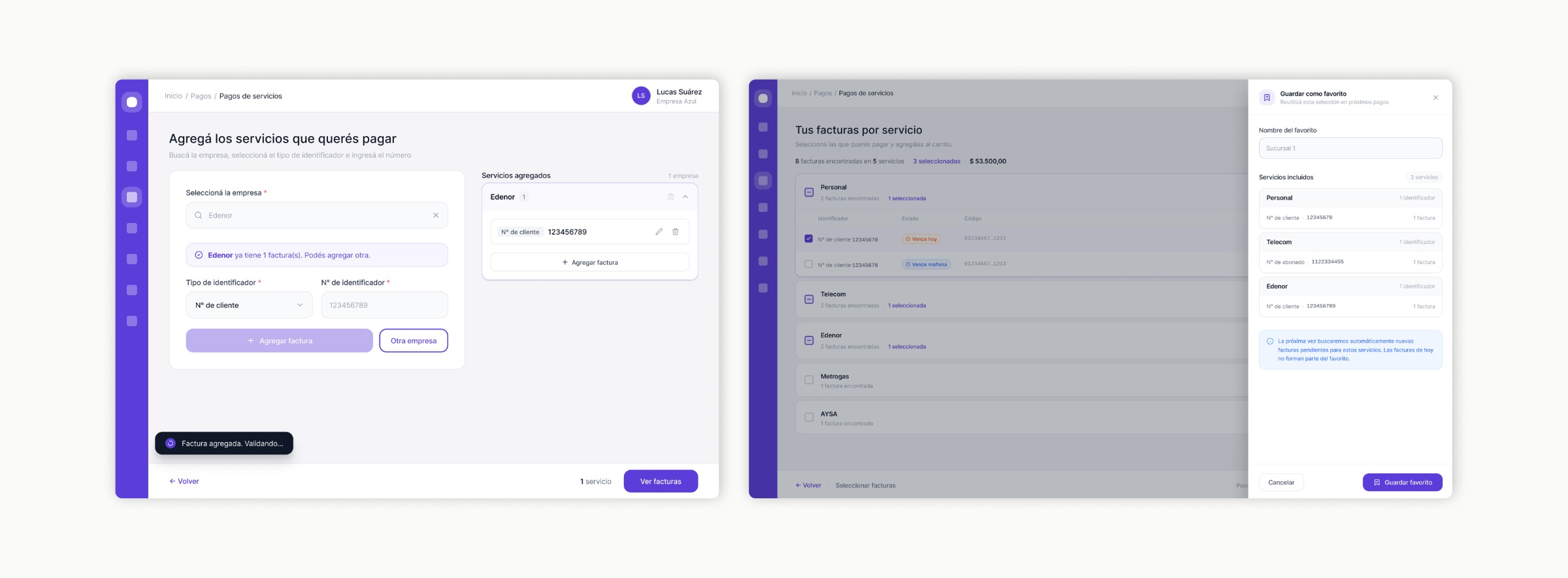
I went to the PO with a counter-proposal: split into two tracks. First, a manual bulk flow — let users search and add multiple services in a single session instead of repeating the full flow one by one. Faster to build, immediate value, lower risk. But before locking in either track, I wanted to talk to actual companies.
The discovery that changed the question
We went in to validate a solution. We came out with a different problem.
We spoke with several companies — including the original one with 300 services — to understand how they actually worked, what files they had access to, and what kind of solution would genuinely reduce their effort.
Two things came out of those conversations.
The segment split
Large companies (300+ services) were willing to download a template, fill it in, and upload it — once. They understood the upfront effort as a one-time cost. Medium companies (around 50 services) weren't interested in managing a file at all. They preferred to do it manually, as long as they could do it in one flow instead of fifty.
That confirmed the dual-track approach: two different solutions for two different segments, complementary not competing.
The insight nobody expected
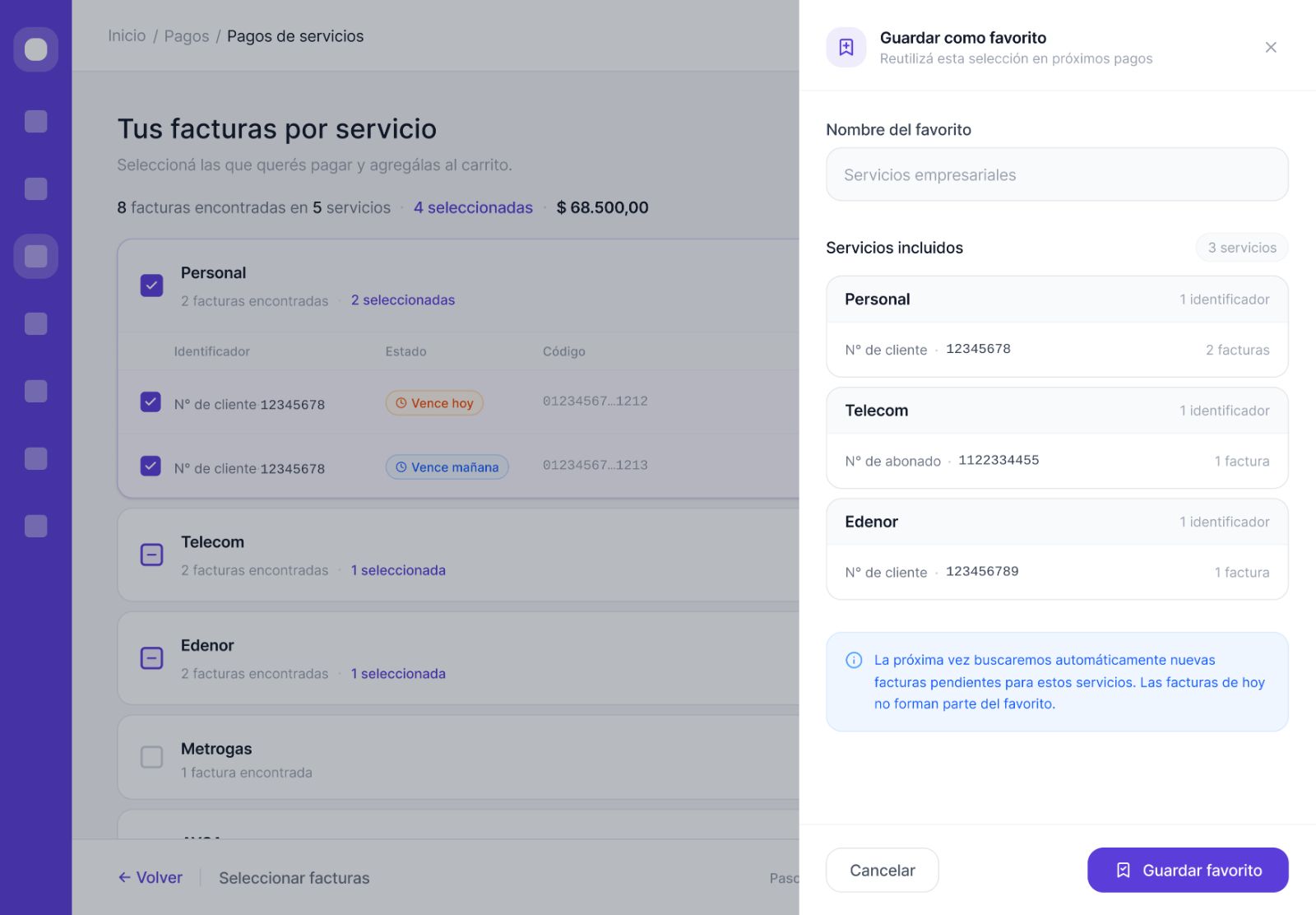
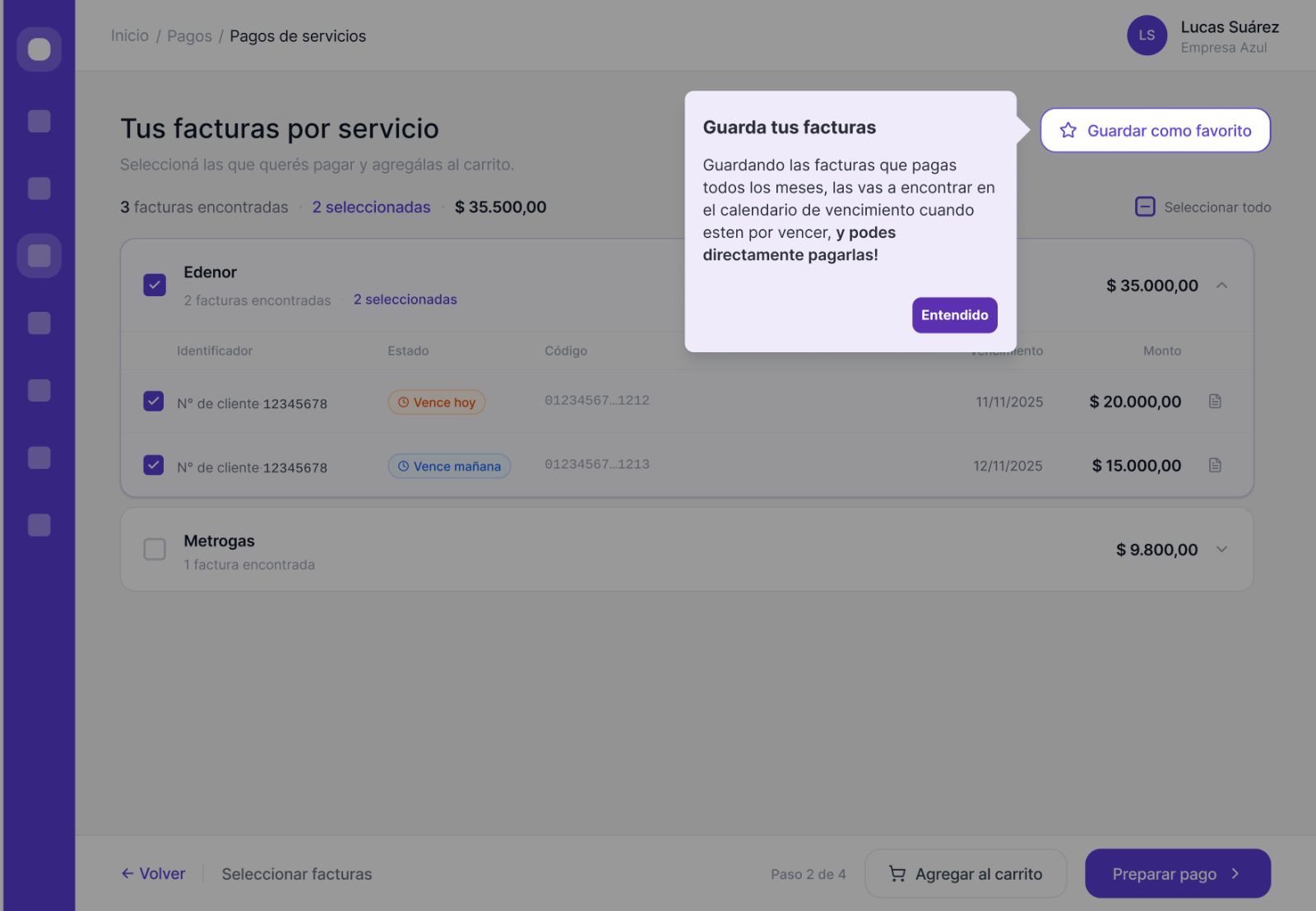
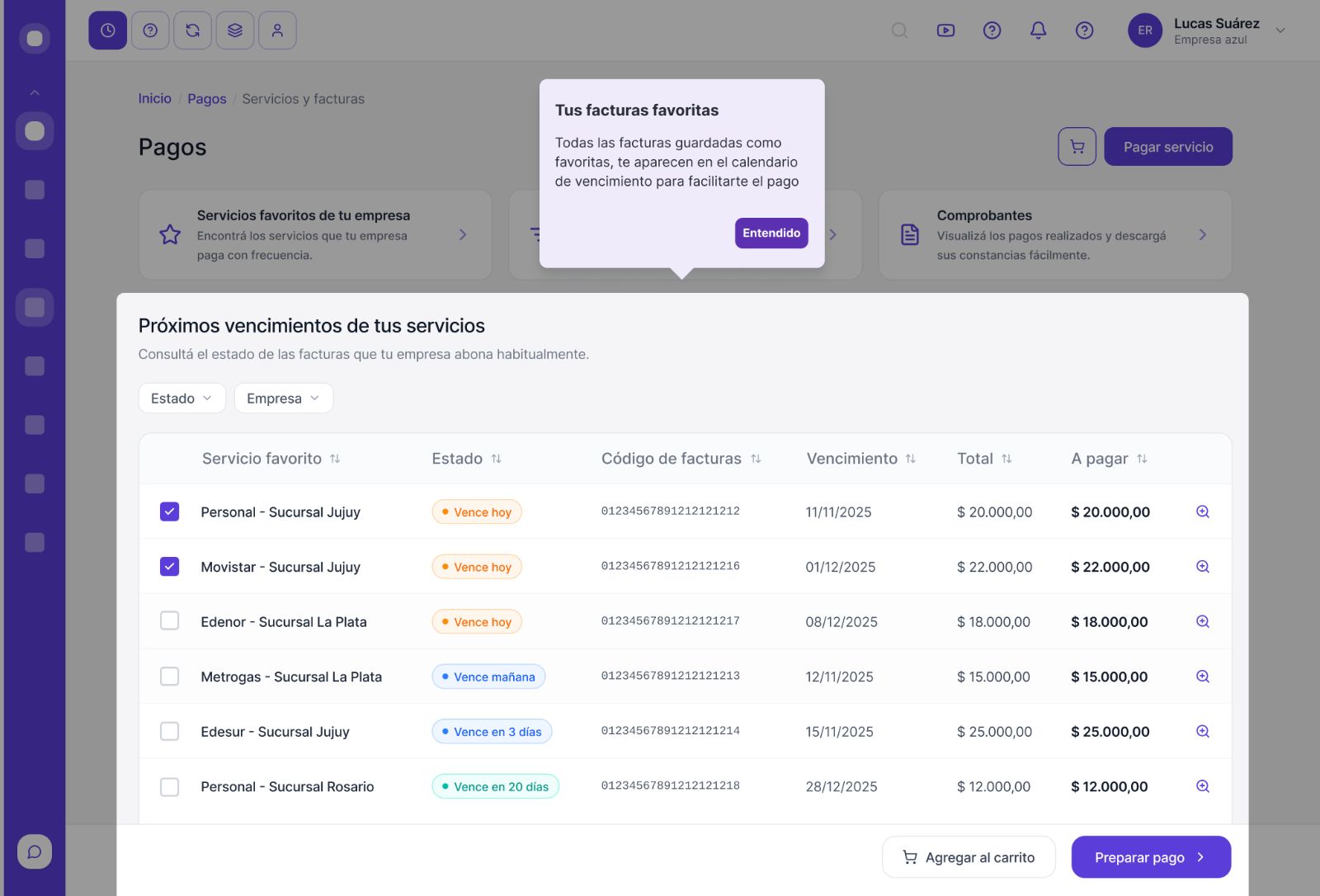
During the conversations, we discovered that most users didn't know that saving a service as a favourite meant it would appear automatically on their payment calendar every month. They thought they had to search for and load every service from scratch, every single month.
For a company paying 300 services, that wasn't just a usability problem — it was the reason they hadn't adopted Interbanking in the first place. They were mentally pricing in a 300-service manual load every month. When we explained that the load happened once and the calendar handled the rest, the reaction was immediate: "If that's how it works, I'll fill in your template right now."
The feature that unlocked adoption already existed. Nobody knew it was there.